Salai Destiny's "Bullion Cord" need to be configured before the first use. Please follow the steps below.
Switch the board ON.
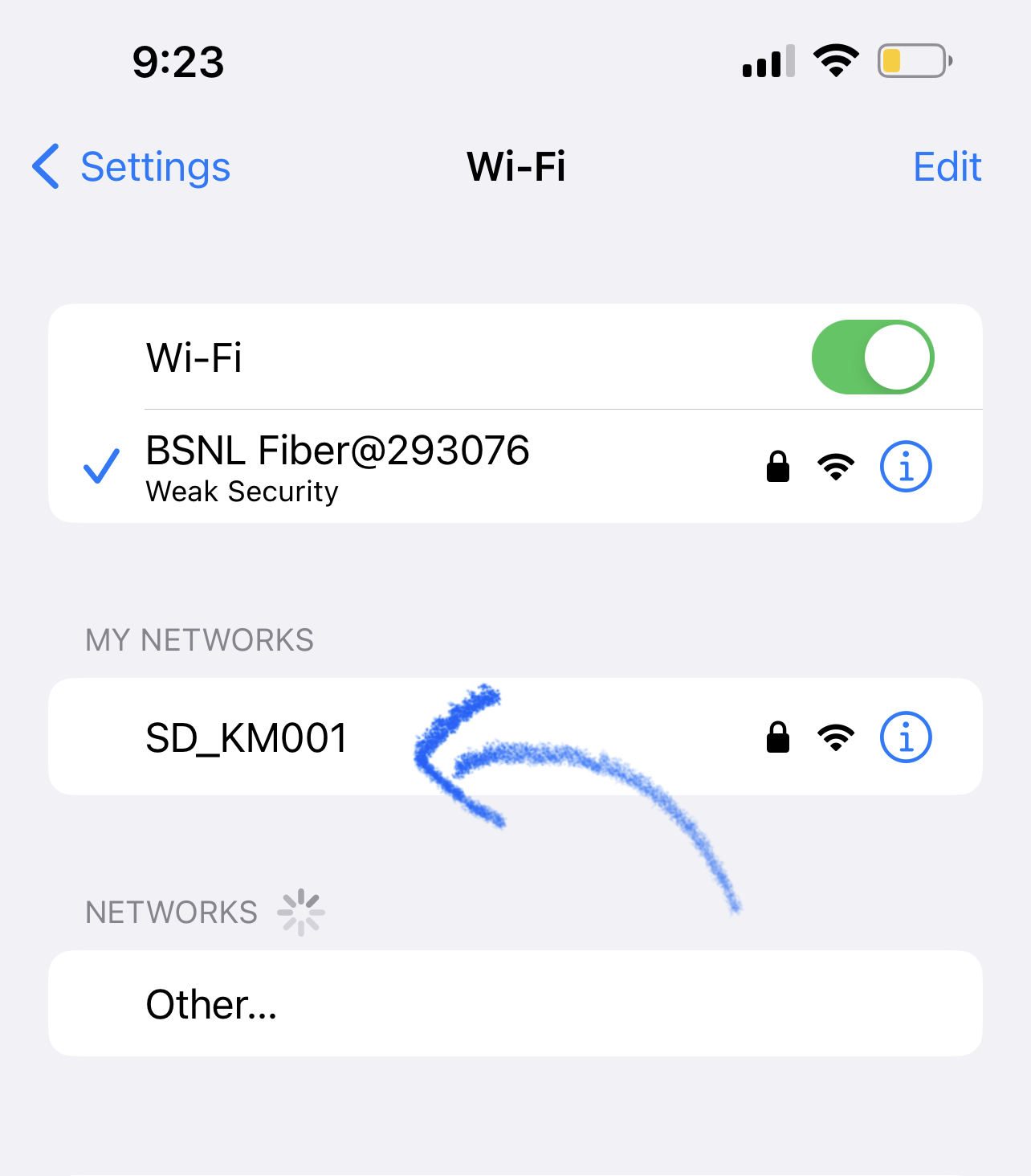
A new Wifi access point will be opened from the display board. The name of the access point is "SD_KMxxx" (Please refer the wifi name printed beside your board).
Login to this wifi from any of your device.
Password of the Wifi will the same as the WiFi name.
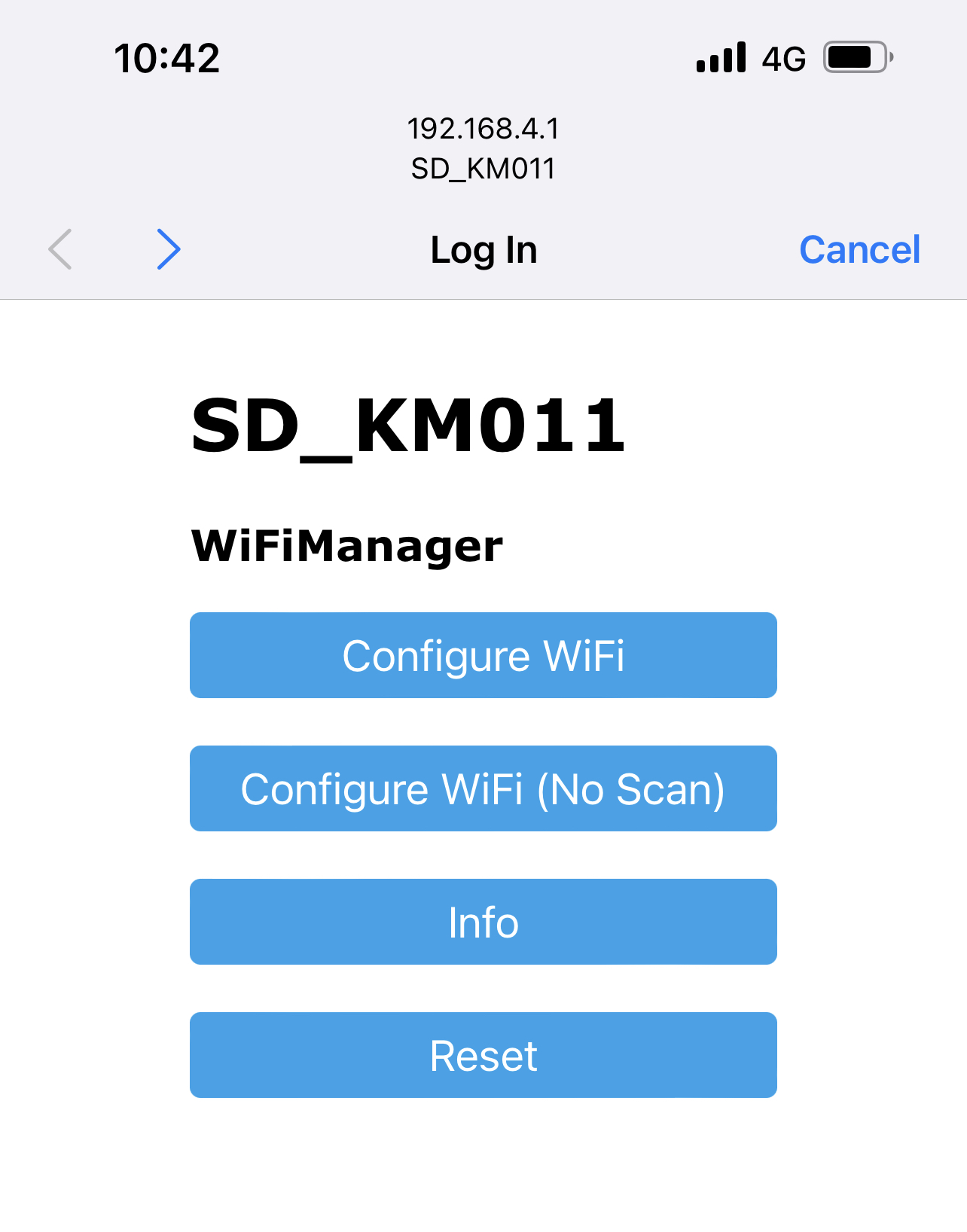
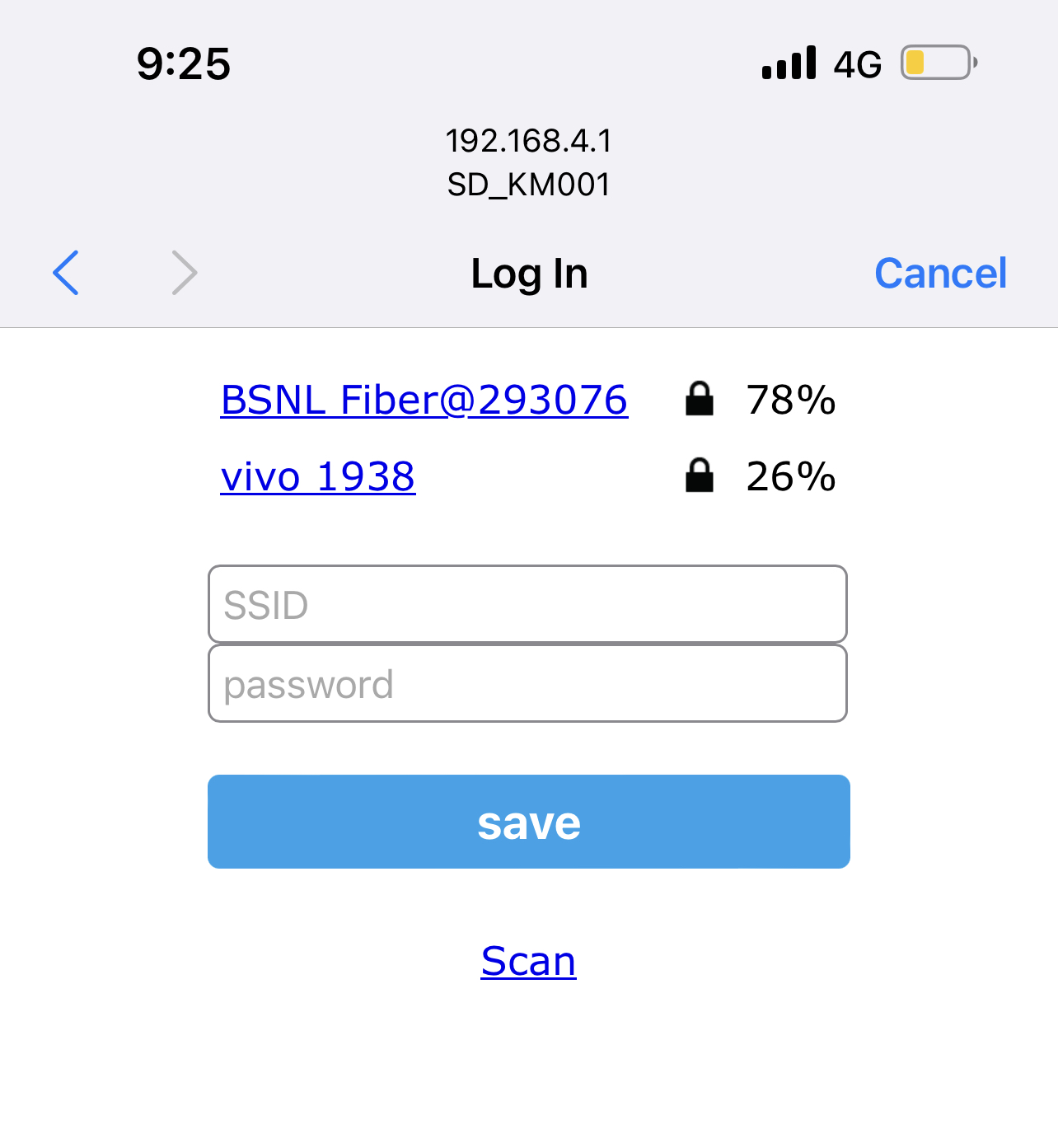
A configuration screen will appear
Enter the SSID and password of the wifi you want the Display board to use.
[If you are using Laptop, then please access http://192.168.4.1 from the browser to get the configuration screen]
Once the correct wifi details are saved, the display board will start receive the latest rates and display.